

Your first projection
A projection is server-side JavaScript that KurrentDB runs over a stream of events to derive new streams or aggregated state. Gaffer runs the same JavaScript engine KurrentDB uses, so the projection you write here is the projection that ships.
Before you start
Section titled “Before you start”You need @kurrent/gaffer on your PATH and Node.js 22 or later. See Install if you don’t have it yet.
Initialise a project
Section titled “Initialise a project”In an empty directory:
gaffer initThis creates a starter gaffer.toml in the current directory. It’s a commented template with no environments or projections yet; you fill it in by scaffolding projections (below) and adding an [env.<name>] block when you’re ready to run against a live database. See the gaffer.toml reference for the full schema.
Scaffold a projection
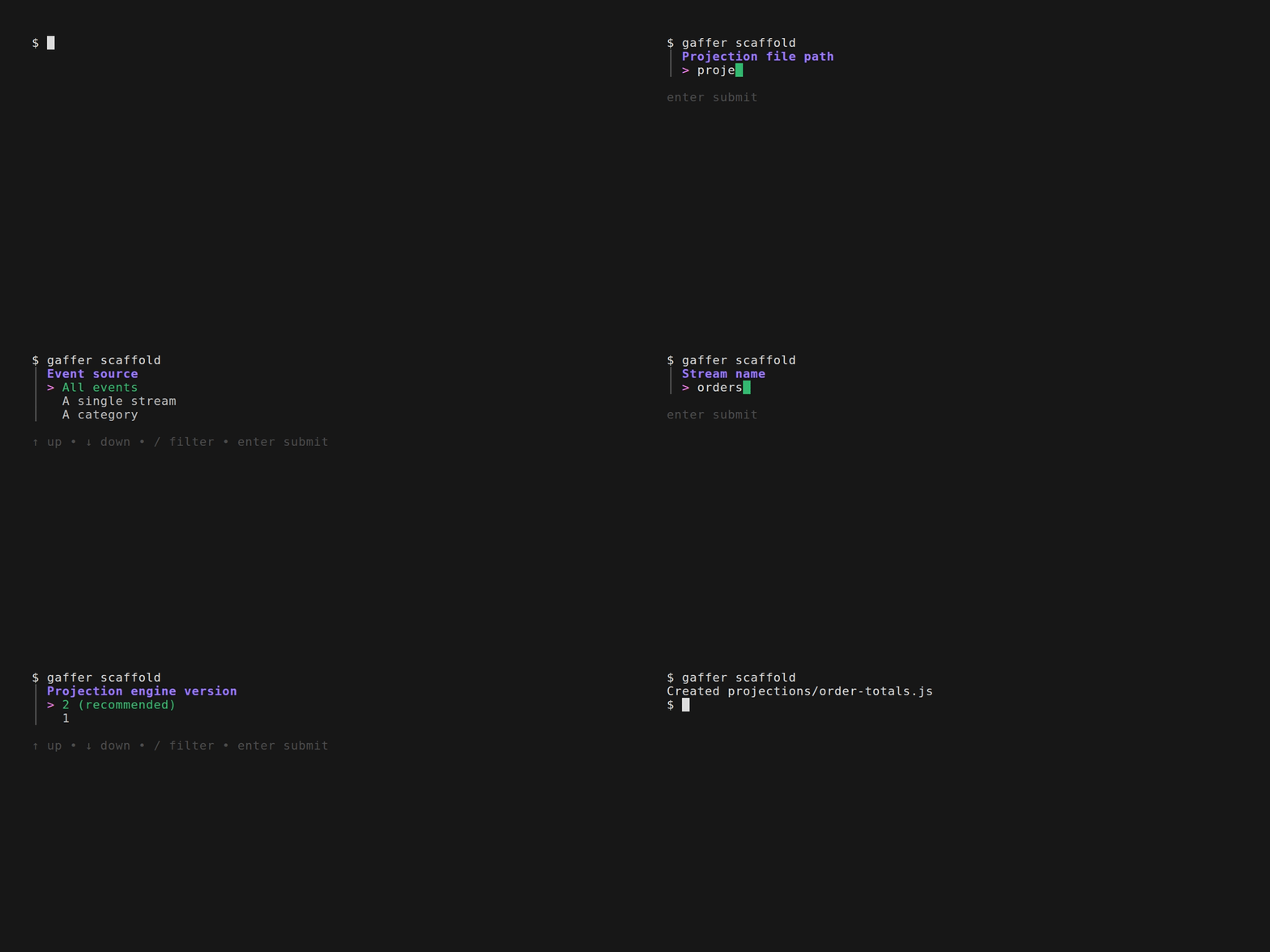
Section titled “Scaffold a projection”gaffer scaffold projections/order-count.jsThis creates the file at the path you gave and registers it in gaffer.toml under the basename (order-count). On a terminal you’ll first be prompted for the source, partitioning, emit, and engine version. Press Enter at each to accept the defaults (which produce the skeleton below), or add -y to skip the prompts. The scaffolded file is a working skeleton with no logic yet:
fromAll() .when({ $init() { return {}; }, // Add your event handlers here // EventType(state, event) { // return state; // } })Two pieces to know:
fromAll(): selects every event in the database. Other selectors (fromStream,fromCategory) target a specific stream or category..when({...}): the handler map.$initreturns the projection’s initial state. Every other key is an event-type handler that receives the current state and the incoming event, and returns the new state.
Make it count
Section titled “Make it count”Replace the body with a counter for OrderPlaced events:
fromAll().when({ $init() { return { count: 0, totalCents: 0 }; }, OrderPlaced(state, event) { state.count += 1; state.totalCents += event.body.cents; return state; },});event.body is the parsed JSON body of the event. Handlers run once per matching event in stream order. State persists across calls within the same projection run.
Add some test events
Section titled “Add some test events”Save orders.json to fixtures/orders.json in your project, or copy the contents below:
[ { "eventType": "OrderPlaced", "streamId": "order-1", "data": "{\"cents\": 2999, \"item\": \"Widget\"}" }, { "eventType": "OrderPlaced", "streamId": "order-2", "data": "{\"cents\": 4999, \"item\": \"Gadget\"}" }, { "eventType": "OrderShipped", "streamId": "order-1", "data": "{\"trackingId\": \"TRK-001\"}" }]Three events: two orders, one OrderShipped. The projection should ignore the third because there’s no handler for that event type.
Run it
Section titled “Run it”gaffer dev order-count --events fixtures/orders.jsonGaffer replays each event through the projection and prints the resulting state along the way. After the last event, the summary shows the final state:
State: { "count": 2, "totalCents": 7998 }The OrderShipped event flowed through and was skipped - no handler, no state change.
Iterate
Section titled “Iterate”Add a second handler for OrderShipped that tracks shipment status:
fromAll().when({ $init() { return { count: 0, totalCents: 0, shipped: 0 }; }, OrderPlaced(state, event) { state.count += 1; state.totalCents += event.body.cents; return state; }, OrderShipped(state) { state.shipped += 1; return state; },});Re-run the same command. The final state is now:
State: { "count": 2, "totalCents": 7998, "shipped": 1 }The fixture didn’t change, but the new handler ran against the existing OrderShipped event in it. Gaffer reruns the projection from scratch each time, so iteration is fast and deterministic.
Name the fixture
Section titled “Name the fixture”Typing the events path each run gets old. Declare the fixture once in gaffer.toml, alongside the projection block gaffer scaffold added earlier:
[[projection]]name = "order-count"entry = "projections/order-count.js"engine_version = 2fixtures.happy = "fixtures/orders.json"Then drop --events for --fixture:
gaffer dev order-count --fixture happyUse named fixtures for scenarios you’ll re-run (happy path, edge cases). --events stays for one-off paths.
See also
Section titled “See also”- Step through with the debugger: see Debugging projections for the VS Code extension setup and other editor wireups.
- Put it on a server: deploy the projection to a running KurrentDB with Deploy your first projection.
- Test from your test suite: drive projections directly from vitest, jest, or mocha with
@kurrent/projections-testing. - Use an AI assistant: point Claude Code, Cursor, Continue, or Copilot at
gaffer mcpfor scaffolding, validation, and debugging tools - see MCP. - Partition state per stream:
foreachStream()betweenfromAll()and.when()gives each stream its own state slice. Useful when you’re aggregating per-entity instead of globally. - Emit derived events:
emit('stream-name', 'EventType', { ...data })from inside a handler writes a new event to a target stream. The basis for read-model projections and continuous queries. - The full projection API:
partitionBy,outputState,transformBy,filterBy,linkTo, and the$init/$any/$deleted/$createdsystem handlers. See the projection API reference.