

Deploy your first projection
Deploying installs a projection on a KurrentDB server, where it runs continuously against the database’s events. This page takes the order-count projection from Your first projection and puts it live: gaffer deploy builds a plan, shows it, and applies it once you confirm.
Before you start
Section titled “Before you start”You need the order-count project from Your first projection and a KurrentDB server to deploy to. Any server you can reach works. For a disposable local one:
docker run -d --name kurrentdb -p 2113:2113 \ -e KURRENTDB_CLUSTER_SIZE=1 \ -e KURRENTDB_INSECURE=true \ -e KURRENTDB_RUN_PROJECTIONS=All \ -e KURRENTDB_START_STANDARD_PROJECTIONS=true \ -e KURRENTDB_MEM_DB=true \ docker.kurrent.io/kurrent-latest/kurrentdb:26.1.1The server runs user projections only with KURRENTDB_RUN_PROJECTIONS=All, and KURRENTDB_MEM_DB=true keeps everything in memory, so removing the container wipes it.
Add an environment
Section titled “Add an environment”An environment in gaffer.toml names a KurrentDB connection that commands target. Add one for the local server:
[env.local]connection = "kurrentdb://localhost:2113?tls=false"default = truedefault = true makes local the environment used when --env isn’t given. See [env.<name>] for the full schema, including ${VAR} expansion to keep credentials out of the file and per-environment authentication.
Deploy
Section titled “Deploy”Deploy everything in gaffer.toml:
gaffer deployDeploy compares every projection in gaffer.toml with what’s on the server and builds a plan. order-count isn’t deployed yet, so the plan is a single create:
Plan for local: order-count create 1 to createConfirm the Apply 1 change to local? prompt and gaffer applies the plan:
  ✓ order-count  created
1 created · 0 updated · 0 skipped
Validation runs before anything is written: deploy compiles each projection it would create or update, and refuses the whole run if any won’t run on the server. A broken projection can’t leave the set half-applied.

See it running
Section titled “See it running”Ask the server what’s deployed and how it compares to local:
gaffer statusPROJECTION STATE PROGRESS LAST DEPLOY DEPLOYED VIA DRIFTorder-count running 100% 2026-07-28 Gaffer in sync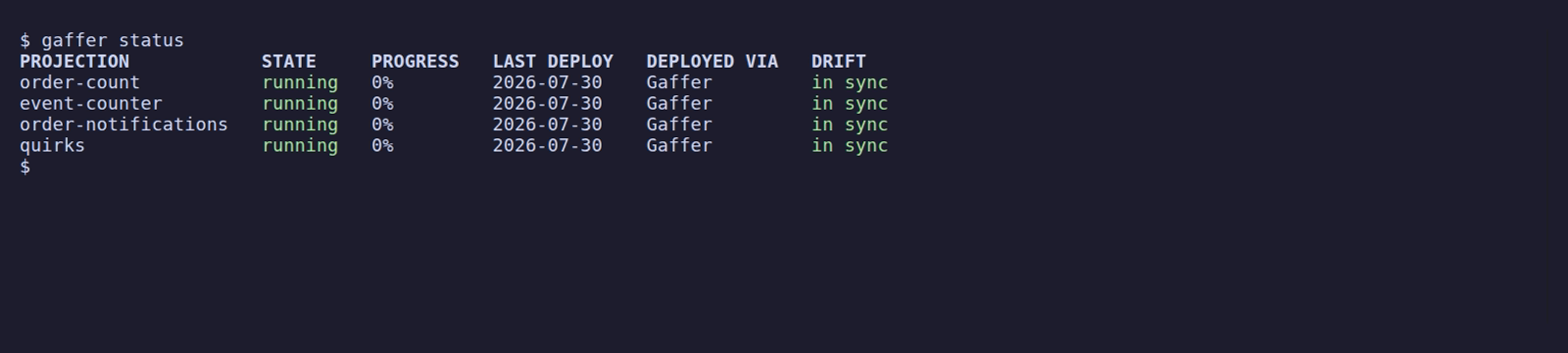
The projection is running on the server, and in sync means the deployed definition matches your local source (the other verdicts are covered in Drift, history and rollback). Name the projection (gaffer status order-count) for its detail: runtime state, position, who deployed it, and from which source revision.
Deploy again
Section titled “Deploy again”Run the same command again:
gaffer deploy · order-count skipped (in sync)
0 created · 0 updated · 1 skippedNothing changed, so there’s no plan to confirm and nothing is written. Deploy converges the server on gaffer.toml: projections missing from the server are created, changed ones are updated, and in-sync ones are skipped, so re-running it is always safe. Convergence never deletes: a projection you drop from gaffer.toml stays on the server (as an orphan) until you remove it yourself with gaffer delete.
Change it and deploy again
Section titled “Change it and deploy again”Track the largest order alongside the totals:
fromAll().when({ $init() { return { count: 0, totalCents: 0, shipped: 0, maxCents: 0 }; }, OrderPlaced(state, event) { state.count += 1; state.totalCents += event.body.cents; if (event.body.cents > state.maxCents) state.maxCents = event.body.cents; return state; }, OrderShipped(state) { state.shipped += 1; return state; },});Deploy plans the changed source as an update:
Plan for local: order-count update logic change, continuing from checkpoint 1 to update ⓘ 1 logic change(s) continuing from checkpoint - --reset-on-logic-change to rebuild insteadConfirm, and the update applies in place:
  ✓ order-count  updated (logic change, continued from checkpoint)
0 created · 1 updated · 0 skipped
A changed query is a logic change: the new code might have interpreted already-processed events differently (here, maxCents ignores any order counted before the change). Deploy keeps the accumulated state, continues from the projection’s checkpoint, and flags what it did. Pass --reset-on-logic-change to rebuild from zero instead, reprocessing every event with the new logic. See gaffer deploy for the trade-offs.
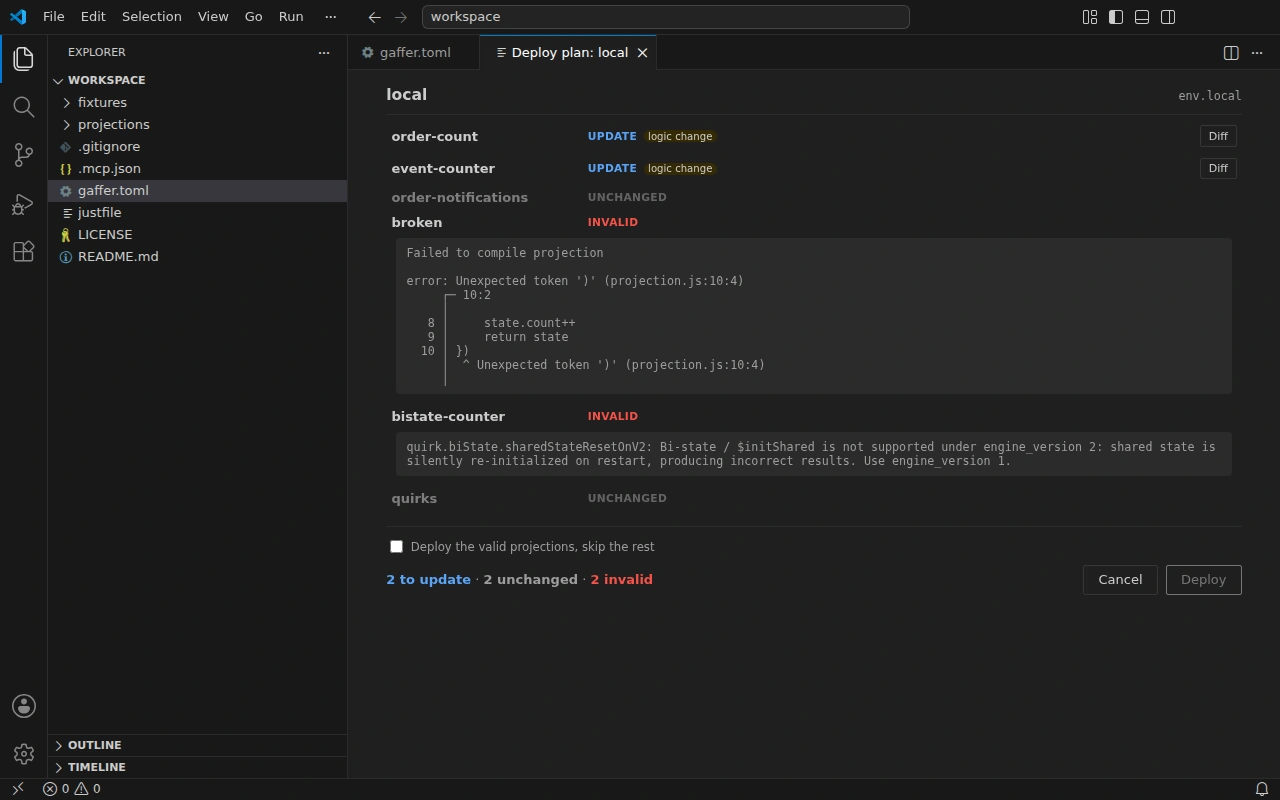
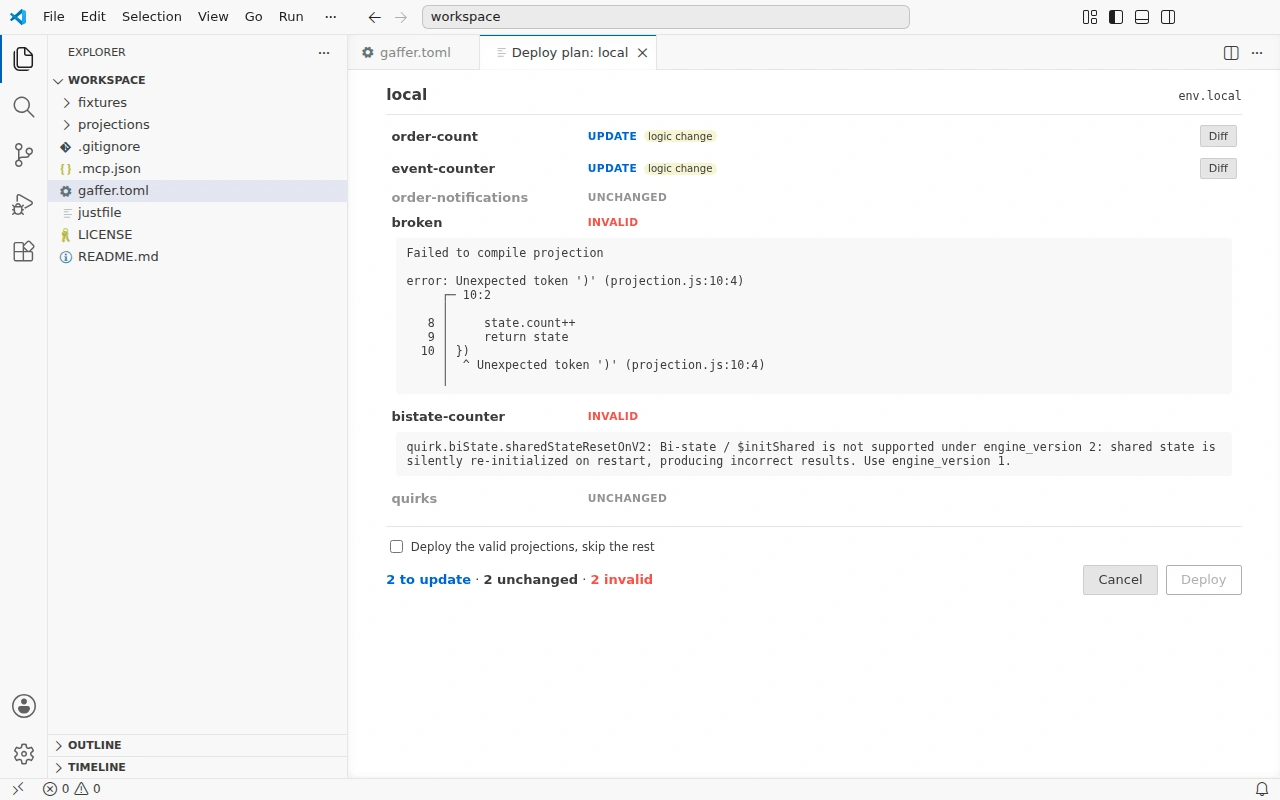
The VS Code extension opens the same plan in an editor tab, with logic changes flagged and each update’s diff a click away:
Clean up
Section titled “Clean up”Keep the server running if you’re carrying on with the walkthrough. Otherwise it’s disposable:
docker rm -f kurrentdbNext steps
Section titled “Next steps”The single local environment here is the smallest case; Environments and targets grows it to staging and production, each with its own credentials. For every deploy flag, see gaffer deploy.